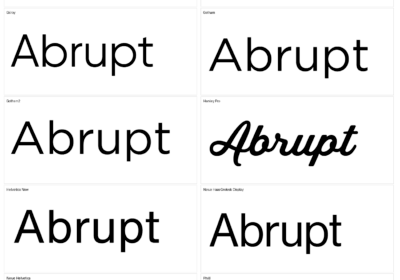
When it comes to design, typography, a captivating combination of artistic talent and technical proficiency, is king. Even the most interesting content can be minimized by a poorly chosen font, therefore it’s important to pick a good one. The finer points of font choices differ greatly across print and digital media, despite the fact that basic typographic principles are identical across all formats. It is crucial for designers to understand these differences since a font that looks great in a brochure could be completely unreadable on a website.
The two primary methods of making images, on print and digital, are the root cause of the gap between the two. By physically applying ink to a substrate, print enables the reproduction of fine features and minor changes in letterforms at a high resolution. In contrast, digital displays often use lower resolutions and pixels, which are essentially little points of light, to show text. Pixelation or blurring may occur as a result of this, especially when using smaller sizes of complicated fonts. Digital rendering also differs among operating system versions, browsers, and screen sizes, which adds an unpredictable factor that isn’t there in print.
The article explores the key distinctions between digital and print design when it comes to font choosing. We will go into the technical aspects of each medium, investigating how elements like resolution, font formats, and rendering engines impact typographic decisions. Additionally, we will go over the relationship between legibility and readability, taking into account how these vital characteristics are impacted by the transition from paper to screen.
Pixel versus inkThe primary difference between digital and print media is the way images are created: with pixels and ink. Printing involves physically applying ink to a surface in order to create an actual print of the design. On the other hand, digital displays build images on a screen using pixels, which are little points of light. This difference has a significant impact on how fonts are displayed.
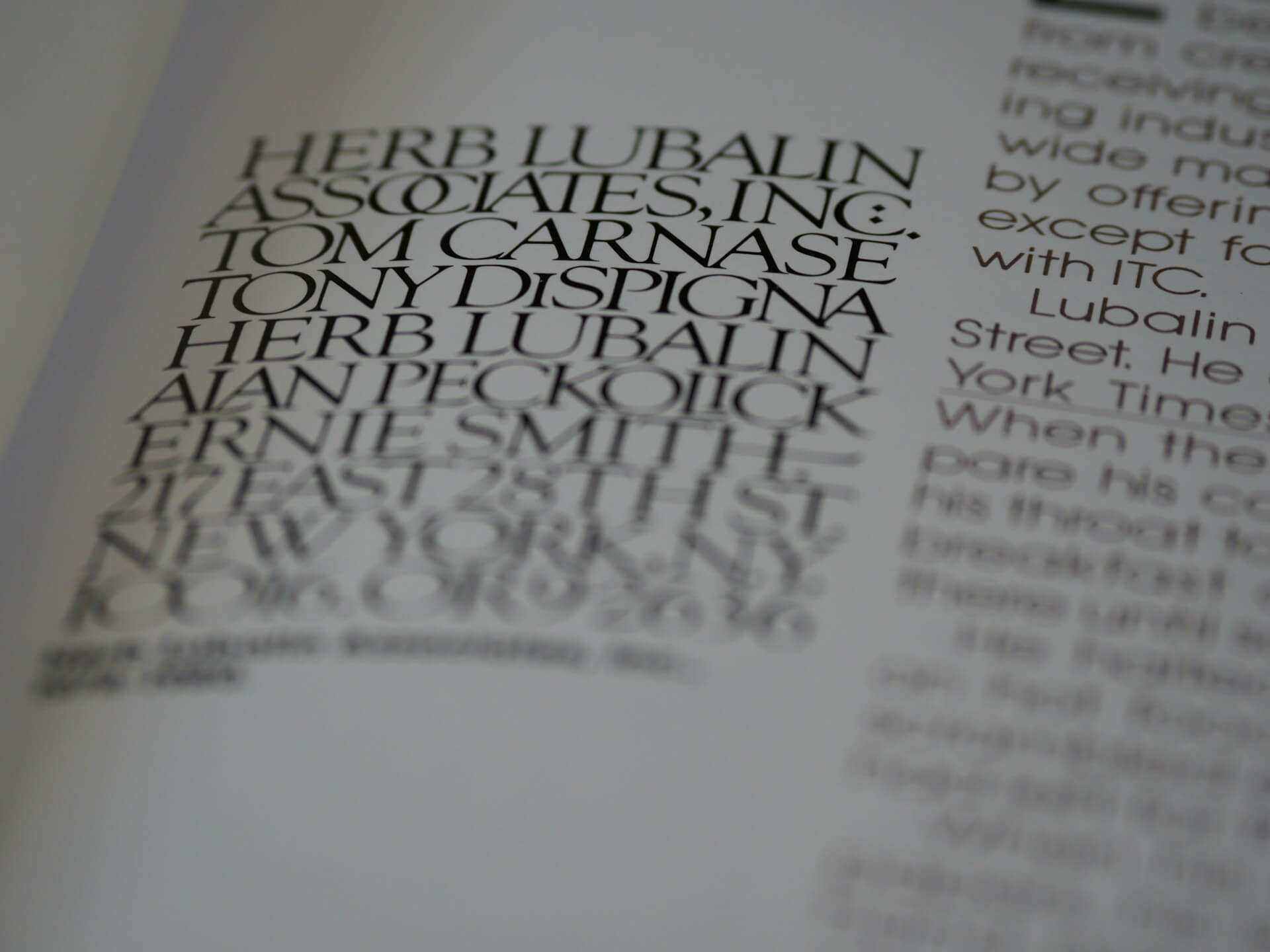
Fonts are usually displayed at high resolutions, often reaching 300 dpi or higher, when used in the print realm. The fine serifs of typefaces like Garamond and Caslon, for example, can be faithfully reproduced in this way. Because ink is physically based, it properly portrays weight and stroke variations, which add to the richness and depth of typography. Additionally, all copies will have the same font appearance due to the static nature of the printed page.
The resolution of digital displays is sometimes lower than that of print, limiting their functionality. This restriction might cause blurring or pixelation, especially when viewing small versions of fonts with a lot of information, such as a very detailed script font. Factors such as the user’s browser, operating system, and screen size can also affect how fonts appear on the screen. Fonts may need to shrink and reflow to adapt to diverse settings, which adds another layer of complexity to dynamic content and flexible design. Because of their sharp edges, crisp sans-serif fonts like Arial or Roboto work well in these fast-paced contexts.
Legibility and readabilityAlthough the relative significance and contributing elements of legibility and readability change throughout digital and print design, both remain of the top priority. Various media have varying effects on legibility, or the degree to which distinct characters can be made out. Subtle changes in serifs, stroke weight, and letterforms help to distinguish typefaces in print. Times New Roman, for instance, is often thought of as a very readable typeface when printed due to its distinct serifs and various stroke lengths. On the flip side, pixelation and screen rendering limits pose obstacles to digital legibility. Because their letterforms are unambiguous, clean, straightforward sans-serif fonts like Open Sans or Helvetica work well on screen and lessen the likelihood of pixel distortion obstructing character recognition.
Additionally, medium-specific characteristics impact readability, which refers to how comfortable and easy it is to read long pieces of text. To make text legible in print, factors such as line spacing, leading, and contrast between text and background are important. Reading is made more pleasant with evenly spaced paragraphs set in a legible typeface, such as Garamond, on a glossy paper surface. These characteristics still matter in digital settings, but there are new things to think about such screen glare, scrolling weariness, and user reading patterns. On smaller screens, longer line lengths make reading more difficult since they require the reader to scan across a wider visual field, and too much scrolling makes it harder to understand. A screen-optimized typeface, such as Verdana, is also an excellent choice because screen glare may reduce contrast and lead to eye strain.
Serif versus sans-serifThe best choice of serif or sans-serif font is greatly influenced by the intended media, yet the age-old argument between the two font families is still fundamental to typographic decision-making. Serif typefaces, which include delicate flourishes at the ends of their letterforms, are commonly chosen for lengthy blocks of text in print. Typography using serifs, such Times New Roman or Georgia, is said to improve reading flow and decrease visual fatigue by guiding the reader’s eye along the line of text. The conventional wisdom holds that handwritten text is more pleasant and interesting to read because of the small changes in stroke weight and the delicate serifs.
The opposite is true for on-screen reading. Sans-serif fonts, which lack these ornamental strokes, are typically chosen. Arial, Helvetica, and Roboto are a few examples of clean, uncomplicated letterforms that work well at the lower resolutions seen on digital displays. The lack of serifs makes the text legible even at lower sizes by reducing the probability of blurring or pixelation. In addition, sans-serif fonts are known to be more approachable and modern, which is in line with the aesthetics of modern design. It should be mentioned, though, that Playfair Display and Merriweather, two well-designed serif fonts, may also look great on screen. This is especially true when used at bigger sizes for titles and headings, where the fonts’ individuality and beauty can stand out without sacrificing readability.
Although there are some differences between the advantages and disadvantages of using typefaces in print and digital media, the fundamentals of typography have not changed. The trick is to learn the subtle distinctions between various forms of expression. Designers can improve communication and create captivating designs for any platform by carefully thinking about the technical, aesthetic, and licensing aspects of typography. Recognizing the mutually beneficial link between print and digital is more effective than seeing them as competing forces. Each has its own set of advantages and disadvantages, but when combined they allow designers to make powerful and emotionally engaging pieces.
And while you’re letting all the information we’ve given you above sink in, we just want to remind you that WhatFontIs.com is your go-to when it comes to identifying a font you’ve seen somewhere else and liked, but don’t know what it’s called exactly or where you can download it, licensed or not, to use in your visuals. It’s enough to take a screenshot in which you can fit a part of a text whose font you can’t identify, then come back to our website, where we help you identify the most fonts in the world, more than a million to be exact.

I'm a programmer at heart. But in my 20s, I realized there was more to the world of fonts than just Courier.
Driven by endless curiosity, I built a system to explore them.
That project grew into one of the world’s leading font identifier platforms: www.WhatFontIs.com.
By 2024, WhatFontIs is helping nearly one million designers—famous or not—discover the names of the fonts they need.