Choosing the right font file can feel like navigating a maze, but it’s a crucial step for designers, developers, and anyone working with digital or print media. Just as images come in various formats, fonts also exist in multiple file types, each optimized for specific purposes and platforms.
Learning how to identify fonts and understanding these differences ensures your text looks its best and performs well across various devices and applications.
Think of font file types as different tools in your design toolkit. Each format—TrueType (TTF), OpenType (OTF), Web Open Font Format (WOFF), and Scalable Vector Graphics (SVG)—offers unique advantages and limitations. Knowing when to use each one can significantly impact your project’s visual appeal, compatibility, and overall performance. Let’s dive into the essentials of font file types, so you can make informed decisions and elevate your typography game.
Table of Contents Introduction to font file typesUnderstanding font file types is essential for anyone working with digital design, web development, or print media. Just as images come in various formats, fonts exist in multiple file types, each designed for specific purposes and optimized for different platforms and applications.
The world of font files can seem complex initially, but each format serves a distinct purpose in the typography ecosystem. Whether you’re designing a website, creating print materials, or developing a mobile app, choosing the right font format directly impacts how your text appears and how efficiently it loads across different devices and browsers.
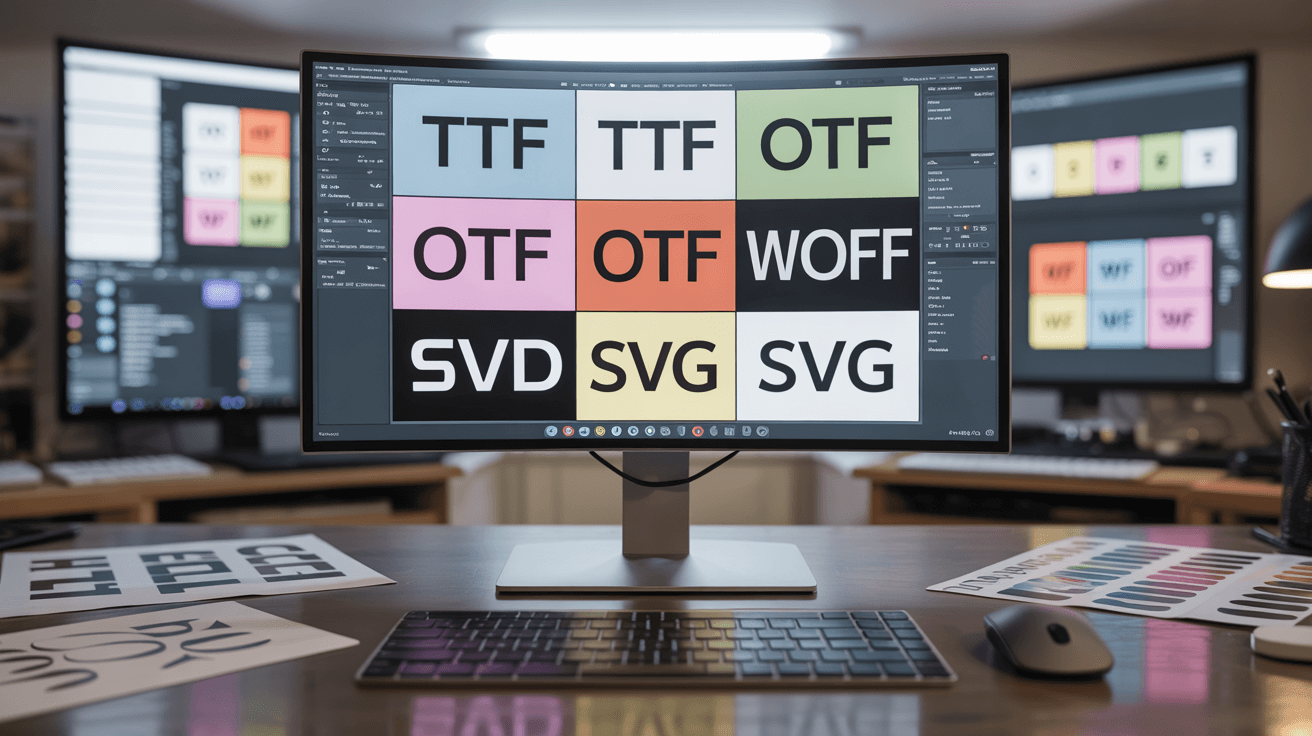
Modern designers and developers work with several primary font formats, including TrueType (TTF), OpenType (OTF), Web Open Font Format (WOFF), and Scalable Vector Graphics (SVG) fonts. Each format brings unique advantages and limitations, making it crucial to understand their characteristics before making decisions that could affect your project’s performance, compatibility, and visual appeal.
The evolution of font technology has been driven by the need for better compression, enhanced typographic features, cross-platform compatibility, and web optimization. As digital media continues to evolve, so do the requirements for font delivery, making it more important than ever to stay informed about the latest developments in font file formats and their practical applications.
OpenType fonts are a cornerstone of modern font technology, developed through a collaboration between Microsoft and Adobe in the 1990s. This format was created to address the limitations of earlier font technologies while providing designers with typographic control and flexibility.
OpenType fonts can contain an extensive character set, supporting multiple languages, special symbols, and advanced typographic features. Unlike simpler font formats, OpenType fonts can include ligatures, alternate characters, small caps, old-style numerals, and contextual alternates, giving designers the tools to create sophisticated and professional-looking typography.
The cross-platform compatibility of OpenType fonts makes them valuable in today’s diverse computing environment. Whether you’re working on Windows, macOS, or Linux systems, OpenType technology ensures consistent rendering across different operating systems and applications. This reliability has made OpenType the preferred choice for professional designers and publishers who need predictable results across various platforms.
One significant advantage of OpenType fonts is their scalability and print quality. These fonts maintain crisp, clear edges at any size, from tiny footnotes to massive billboard headlines. The format’s PostScript or TrueType outline technology ensures that fonts look sharp both on screen and in print, making them ideal for projects that require both digital and physical output.
The advanced features of OpenType fonts come with trade-offs. These files are typically larger than simpler formats, which can impact web page loading times if not properly optimized. Additionally, not all applications can take full advantage of OpenType’s advanced features, meaning some of the format’s sophisticated capabilities may go unused in certain contexts.
Now that we’ve explored the versatile world of OpenType fonts, let’s shift our focus to a classic format that has stood the test of time: TrueType fonts.
TrueType fonts (TTF) – The classic formatTrueType fonts emerged in the late 1980s as Apple’s answer to Adobe’s PostScript fonts, later becoming widely adopted across the computing industry. This format prioritized accessibility, compatibility, and ease of use over advanced typographic features.
The strength of TrueType fonts lies in their universal compatibility and straightforward structure. As one of the most recognized font file extensions, TTF files work seamlessly across virtually all operating systems and applications. This broad support makes TrueType fonts an excellent choice for projects where consistent display across diverse platforms is more important than advanced typographic features.

TrueType fonts use quadratic Bézier curves to define character shapes, which allows for efficient rendering and relatively compact file sizes. This mathematical approach to font construction ensures that text remains crisp and readable at various sizes, though it may not achieve the same level of refinement as more advanced formats like OpenType.
The simplicity of TrueType fonts extends to font management and installation. Each TTF file contains all the necessary information for rendering the font, making them easy to distribute, install, and manage. This self-contained nature has contributed to their enduring popularity among both designers and end-users who value straightforward font handling.
While TrueType fonts may lack some of the advanced features found in newer formats, they remain highly relevant for many applications. Their balance of quality, compatibility, and manageable file sizes makes them particularly suitable for projects where broad compatibility is essential, such as documents that will be shared across different systems or applications with varying levels of font support.
Having explored the classic appeal of TrueType fonts, let’s now turn our attention to the web and discover how font formats have evolved to meet the unique demands of online typography with WOFF and WOFF2.
Web Open Font Format (WOFF and WOFF2) – Optimized for the webThe Web Open Font Format revolutionized web typography by addressing the specific challenges of delivering fonts over the internet. Developed with input from major browser vendors and standardized by the W3C, WOFF was designed specifically to optimize font delivery for web applications while maintaining high-quality rendering.
WOFF functions as a compressed wrapper around existing font formats like TrueType and OpenType, significantly reducing file sizes without compromising font quality. This compression is crucial for web fonts because smaller files mean faster page loading times, improved user experience, and better search engine optimization. The format also includes metadata capabilities, allowing font creators to embed licensing information and other details directly within the font file.
The evolution from WOFF to WOFF2 represents a significant advancement in font optimization technology. The newer format uses the Brotli compression algorithm, which can reduce file sizes by an additional 30% compared to the original WOFF format. This improvement translates to even faster loading times and reduced bandwidth usage, making WOFF2 the preferred choice for modern web applications.
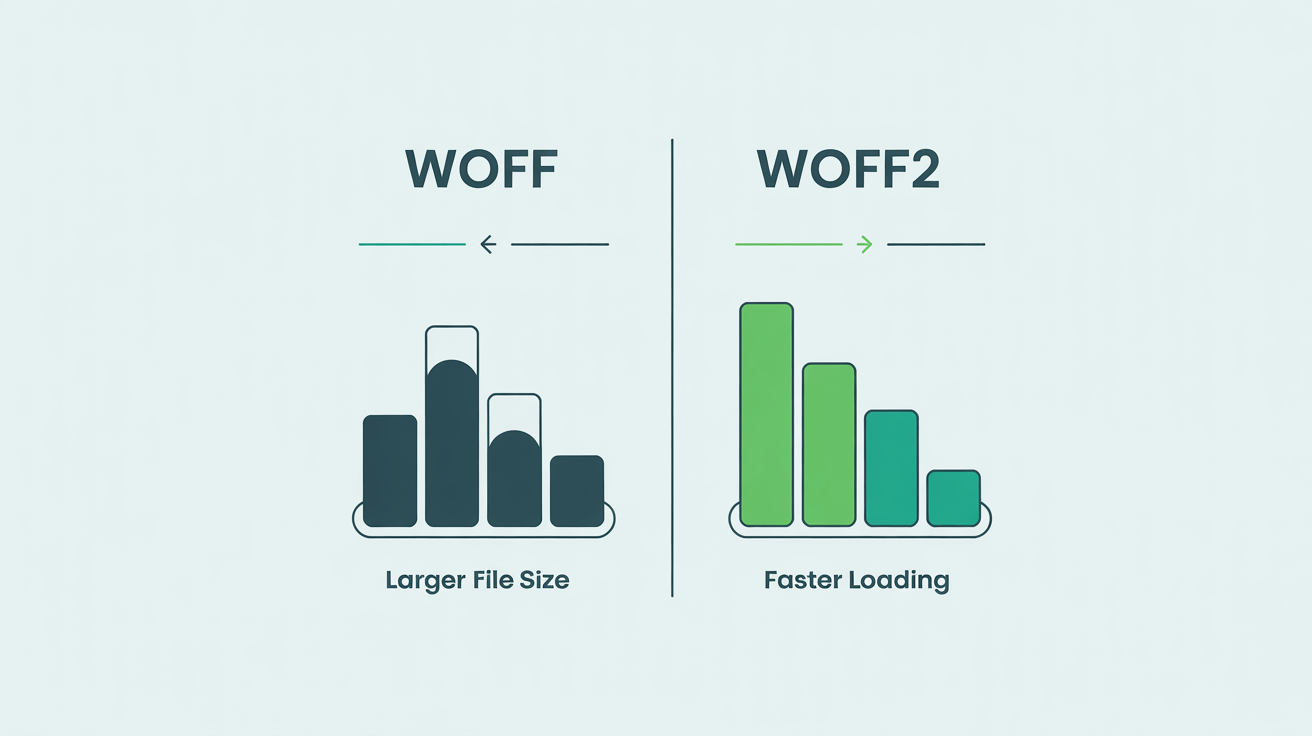
Browser support for both WOFF and WOFF2 is excellent across modern browsers, including Chrome, Firefox, Safari, and Edge. However, WOFF maintains broader compatibility with older browsers, making it a reliable fallback option. Many web developers implement a cascading approach, serving WOFF2 to modern browsers while falling back to WOFF or other formats for older systems.
The specialized nature of web fonts like WOFF and WOFF2 makes them ideal for web-specific applications but less suitable for desktop publishing or print work. Their compression and web-optimized features are specifically designed for HTTP delivery and browser rendering, making them the standard for modern web typography projects that prioritize performance and user experience.
Now that we’ve covered web-optimized fonts, let’s explore a different approach to typography that leverages the power of vector graphics: SVG fonts.
SVG fonts – Vector-based typographySVG fonts represent a unique approach to typography, utilizing Scalable Vector Graphics technology to define font characters as vector shapes rather than traditional outline formats. This vector-based approach offers distinct advantages for specific applications while presenting limitations for general text rendering.
The primary strength of SVG fonts lies in their infinite scalability without quality loss. Because characters are defined as mathematical vector shapes, they maintain clarity at any size, from tiny icons to massive display text. This makes SVG fonts valuable for responsive web design, where text may need to scale dramatically across different screen sizes and resolutions.
However, font rendering with SVG fonts presents challenges for standard web typography. Modern browsers have limited support for SVG fonts in regular text contexts, with many browsers dropping support in favor of more efficient formats. This compatibility issue means that SVG fonts are primarily useful for specialized applications rather than general web text.
The most practical applications for SVG fonts include icon fonts, decorative elements, and situations where individual character customization is required. Designers can modify SVG font characters using standard vector editing tools, allowing for customizations that aren’t possible with traditional font formats. This flexibility makes SVG fonts valuable for branding applications and custom graphic elements.
Despite their limitations for standard text rendering, SVG fonts remain relevant for specific design scenarios where their vector-based nature provides advantages. Understanding when and how to use SVG fonts effectively requires recognizing their strengths while acknowledging their limitations in broader typography applications.
Now that we’ve explored the unique characteristics of SVG fonts, let’s take a step back and compare the various font formats we’ve discussed, highlighting their key differences and ideal use cases.
Comparing font formats – OTF vs TTF and beyondThe choice between different font formats often comes down to understanding the specific requirements of your project and the trade-offs each format presents. When comparing TTF and OTF, the decision involves balancing advanced features against compatibility and file size considerations.
TrueType fonts excel in situations requiring broad compatibility and straightforward implementation. Their universal support across platforms and applications makes them ideal for documents that will be shared widely or used in environments with varying levels of font support. The simpler structure of TTF files also means faster rendering in some contexts, though the difference is often negligible in modern systems.
OpenType fonts shine when projects demand sophisticated typography with advanced features like ligatures, alternate characters, and extensive language support. Professional publishing, high-end branding, and design work that requires typographic refinement benefit significantly from OTF’s capabilities. These advantages come with larger file sizes and potential compatibility issues in older systems or applications.
Beyond the traditional TTF vs OTF comparison, modern web development has introduced specialized formats like WOFF and WOFF2 that prioritize delivery efficiency over desktop compatibility. These web fonts represent a different category entirely, optimized for internet delivery rather than local system installation.
The need for font conversion between formats often arises when adapting fonts for different use cases. Converting from TTF or OTF to WOFF for web use, or preparing fonts for different platforms, requires understanding how each font file handles the underlying font data and what features may be preserved or lost in the conversion process.
With a clear understanding of how these font formats stack up against each other, let’s move on to the practical steps you can take to select the right font format for your next project.
Choosing the right font format for your projectSelecting the appropriate font format requires careful consideration of your project’s specific requirements, target platforms, and performance constraints. The decision impacts not only how your typography appears but also how efficiently your content loads and displays across different devices and contexts.
For web projects, prioritizing font optimization through formats like WOFF2 and WOFF ensures fast loading times and excellent user experience. These formats also support font licensing metadata, helping maintain compliance with font usage rights while providing the compression benefits essential for web performance. Consider implementing a font loading strategy that serves the most efficient format to each browser while maintaining fallbacks for broader compatibility.
Desktop and print applications often benefit from the advanced features available in OpenType fonts, where font compatibility with professional design software and sophisticated typographic controls outweigh file size concerns. The extensive character sets and advanced features of OTF fonts make them ideal for multilingual projects, professional publishing, and designs requiring typographic sophistication.
Understanding font licensing requirements is crucial regardless of the format chosen. Different font formats may have varying licensing terms, and some formats include built-in licensing metadata that helps track usage rights. Always verify that your chosen format and usage comply with the font creator’s licensing terms to avoid legal complications and respect intellectual property rights.
Making the right choiceChoosing the right font format is about balancing aesthetics, performance, and compatibility. By understanding the strengths and limitations of TTF, OTF, WOFF, and SVG fonts, you can ensure your projects look great and perform well across all platforms. Prioritize web-optimized formats like WOFF2 for online use, leverage OTF for print and advanced typography, and always respect font licensing. With these considerations in mind, your typography will not only be visually appealing but also technically sound.
Frequently Asked Questions What is the difference between TTF and OTF font formats?TTF (TrueType Font) is known for its broad compatibility and straightforward structure, making it ideal for general use across different platforms. OTF (OpenType Font), on the other hand, offers advanced typographic features like ligatures, alternate characters, and extensive language support, making it the preferred choice for professional design and publishing projects.
Which font format should I use for web projects?For web projects, WOFF and WOFF2 are recommended because they are optimized for fast loading and efficient delivery over the internet. WOFF2, in particular, offers better compression, resulting in smaller file sizes and improved page speed. It’s best practice to serve WOFF2 to modern browsers and provide WOFF as a fallback for older browsers.
Are SVG fonts still relevant today?SVG fonts are primarily used for specialized cases such as icon fonts and decorative elements that require infinite scalability. However, support for SVG fonts in standard web text is limited in modern browsers, so they are not recommended for general text rendering.
Can I convert fonts between different formats?Yes, fonts can often be converted between formats like TTF, OTF, and WOFF using font conversion tools. However, some advanced features or metadata may be lost during conversion, so it’s important to test the converted font thoroughly before use.
What should I consider regarding font licensing?Always ensure that your use of a font complies with its licensing terms. Some formats, like WOFF, include built-in licensing metadata. Check the license before using or converting a font, especially for commercial projects, to avoid legal issues.
Is one font format better for print than the others?OpenType (OTF) fonts are generally preferred for print projects because of their advanced typographic features and high-quality rendering. However, TrueType (TTF) fonts are also widely used and supported in print workflows.

I'm a programmer at heart. But in my 20s, I realized there was more to the world of fonts than just Courier.
Driven by endless curiosity, I built a system to explore them.
That project grew into one of the world’s leading font identifier platforms: www.WhatFontIs.com.
By 2024, WhatFontIs is helping nearly one million designers—famous or not—discover the names of the fonts they need.