In the last couple of months, many of you asked for a complete review about WhatFontIs, the font identifier from image that everybody use.
Before getting deep into the subject, let’s discuss why is important to identify fonts from images and how can this help you in your everyday life.
Why identify fonts from images?Identifying fonts from images is helpful because in this way you will find out the names of all the fonts you like.
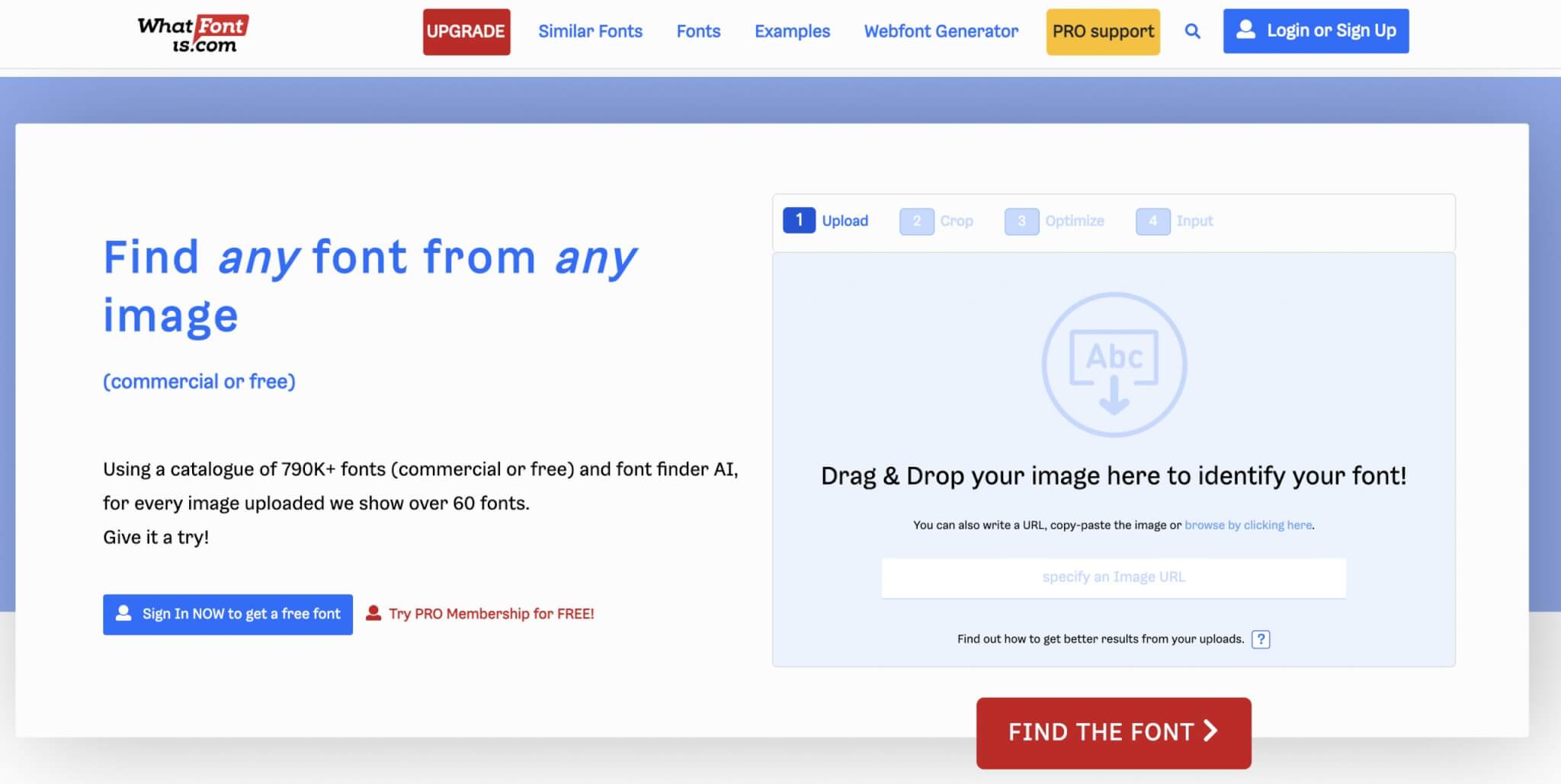
You take a picture of the font you like, you upload it on WhatFontIs.com website and in less than a minute you will have all the information you want:
- Name of the font
- Where to get it from
- How much it costs or if it is free
- As a bonus you will get 60+ free and paid font alternatives
Identifying fonts from images is totally different than identifying fonts from the web. To do that is simple and there are many software on the market capable of helping you.
But to identify fonts from images, you need a powerful and smart font identifier.
This is WhatFontIs and you don’t have to believe me. You should give it a try right now and you can even try our competitors solutions.
I am absolutely sure that you will love WhatFontIs more than everything else.
But let’s go back to the original question – why is it important to identify fonts from images?
The answer is simple and short. You will have all the fonts you like in your collection; with all the information you need.
Whenever you see a font that you like, identify it and save it in your font portfolio.
Why is WhatFontIs the best font identifier from image?The software is very smart, simple to use, quick, free, and efficient.
If you doubt it, give it a try.
WhatFontIs is the best in the industry:
- It is the single font identifier from image that can identify both free and paid fonts.
- The software has a huge database of almost 800k fonts.
- WhatFontIs works with all font foundries, including Google Fonts.
- You don’t need to register or pay, the software is 100% free.
- Font identification from images really works, providing accurate results.
- The interface is very simple to use, quick, and intuitive.
It is very simple to use WhatFontIs to identify fonts from images.
Follow these quick steps:
- Take a picture of the font you like.
- Upload it on WhatFontIs website.
- Crop it if needed.
- Insert the letters that the software identified. You can skip this step if you decide to register (it is free and it takes just a couple of seconds).
- Now you will find out everything you need to know about the font you like (its name, download link, if it is free or paid, and in plus you get over 60 free and paid font alternatives).
As you see, the process is very quick.
Give it a try right now.
Take a picture of a font that you have near you and follow the steps.
ConclusionsUsing WhatFontIs as a font identifier from image (you can also use it to identify fonts from websites) will help you have better fonts for your projects.
Imagine that you can identify all the fonts you like from any place you want: real life, books, websites, TV, cars, magazines, t-shirts, really anywhere.
Whenever you see a font that you like, take a picture and upload it to WhatFontIs.
Or even better, save all the font pictures in a folder and at the end of the day you can easily identify all the fonts you love.

I'm a programmer at heart. But in my 20s, I realized there was more to the world of fonts than just Courier.
Driven by endless curiosity, I built a system to explore them.
That project grew into one of the world’s leading font identifier platforms: www.WhatFontIs.com.
By 2024, WhatFontIs is helping nearly one million designers—famous or not—discover the names of the fonts they need.