These tools save time, ensure brand consistency, and help you find the perfect font for any project by analyzing visual characteristics and comparing them against extensive font databases.
Top font identifier & finder tools are specialized applications and online services that solve a critical challenge for designers, marketers, and content creators: quickly and accurately identifying unknown typefaces from images or websites.
For a comprehensive overview of various methods and best practices, consider how to identify fonts using a font finder and image detection.
Table of Contents- What are font identifier tools and why you need them
- Finding fonts by image – upload and analyze methods
- Top font identifier websites and tools
- How to check font from websites and web pages
- Recognise the font – advanced identification techniques
- Tips for accurate font matching and identification
- Frequently Asked Questions
Font identifier tools are specialized applications and online services designed to pinpoint the exact typeface in an image or design. These systems address a common challenge for designers and content creators: recognizing a font you’ve seen but can’t name.
Leading font finder platforms – free font identifiers that help you find the fonts you like- WhatFontIs: A comprehensive platform that excels at analyzing uploaded images with advanced AI technology. With over 900,000 fonts in its database, it provides extensive results including both free and commercial alternatives, making it particularly valuable for designers seeking diverse options.
- WhatTheFont by MyFonts: A recognized name that analyzes uploaded images and provides results primarily from MyFonts’ commercial catalog. Its database of 130,000+ typefaces makes it useful for finding fonts available for purchase through their platform.
- Font Squirrel Matcherator: Focuses on free and open-source fonts, offering a useful tool for budget-conscious projects. While its database is smaller than comprehensive platforms, it specializes in fonts that are free for commercial use.
- Fontspring Matcherator: Similar to Font Squirrel but with emphasis on commercial fonts available through Fontspring’s marketplace. It provides good accuracy for standard fonts but has a more limited database compared to larger platforms.
- Adobe Capture: Part of Adobe’s Creative Cloud suite, this mobile app can identify fonts and sync them with your Adobe account. However, it’s primarily designed for Adobe Fonts subscribers and has limited functionality for non-Adobe fonts.
- Identifont: Uses a questionnaire system instead of image uploads. Users answer detailed questions about font characteristics, which can be helpful when you can describe the font but don’t have a clear image. However, its database is limited to around 11,000 fonts.
| Tool | Best For | Database Size | Key Feature |
|---|---|---|---|
| WhatFontIs | Comprehensive font identification | 900,000+ | AI-powered, free & commercial fonts |
| WhatTheFont | MyFonts catalog | 130,000+ | Commercial font focus |
| Font Squirrel | Free fonts | 50,000+ | Open-source focus |
| Fontspring | Commercial licensing | 75,000+ | Clear licensing terms |
| Adobe Capture | Adobe users | Variable | Creative Cloud integration |
| Identifont | No image available | 11,000+ | Question-based ID |
Each tool serves different needs – from WhatFontIs’s comprehensive database to specialized regional or licensing-focused options. Your choice depends on whether you need broad font coverage, specific commercial options, or specialized font categories.
Why WhatFontIs excels at font identification from imagesWhen it comes to identifying fonts from images specifically, WhatFontIs demonstrates clear advantages that set it apart. The platform’s AI-powered technology handles challenging scenarios where other tools often fail – including low-resolution images, curved or distorted text, and partial character samples.
Unlike competitors that rely on basic pattern matching, WhatFontIs processes images through advanced algorithms that can recognize fonts even when letters are partially obscured or stylistically modified. The platform’s 900,000+ font database – nearly seven times larger than WhatTheFont’s and over 80 times Identifont’s – means you’re far more likely to find exact matches or suitable alternatives.
The dual approach of identifying both free and commercial fonts also provides practical value. While WhatTheFont focuses primarily on fonts for sale, WhatFontIs helps users find free alternatives alongside premium options, making it invaluable for projects with varying budget constraints. This comprehensive approach, combined with features like batch processing capabilities and API access for professionals, positions WhatFontIs as the most versatile solution for image-based font identification.
How to check font from websites and web pagesIdentifying fonts on websites requires different techniques than image-based identification. Web fonts are embedded in the page code, making them accessible through browser tools and extensions.
Methods to find what font is used on websites- Browser extensions: Install tools like WhatFont and Fonts Ninja that integrate into your browser, allowing you to hover over text to reveal its font family, size, weight, and color
- Developer tools inspection: Right-click on text and select “Inspect Element” to open the developer console, where you can examine the CSS properties and locate the font-family declarations
- Font checker websites: Enter a URL to scan a page for all fonts used, useful when analyzing competitor websites or conducting typography audits
You can also find a dedicated browser extension that allows you to identify fonts directly from webpages without leaving your browser. By using these methods, you can easily identify and analyze the fonts used on any website.
Recognise the font – advanced identification techniquesAdvanced recognition goes beyond visual matching to employ analysis techniques that match typeface. These methods are valuable when dealing with modified fonts or stylized typography.
Professional analyse font methods- Reverse lookup techniques: Analyze typographic features that make each font unique by examining characteristics like x-height ratios, character width, and letterforms
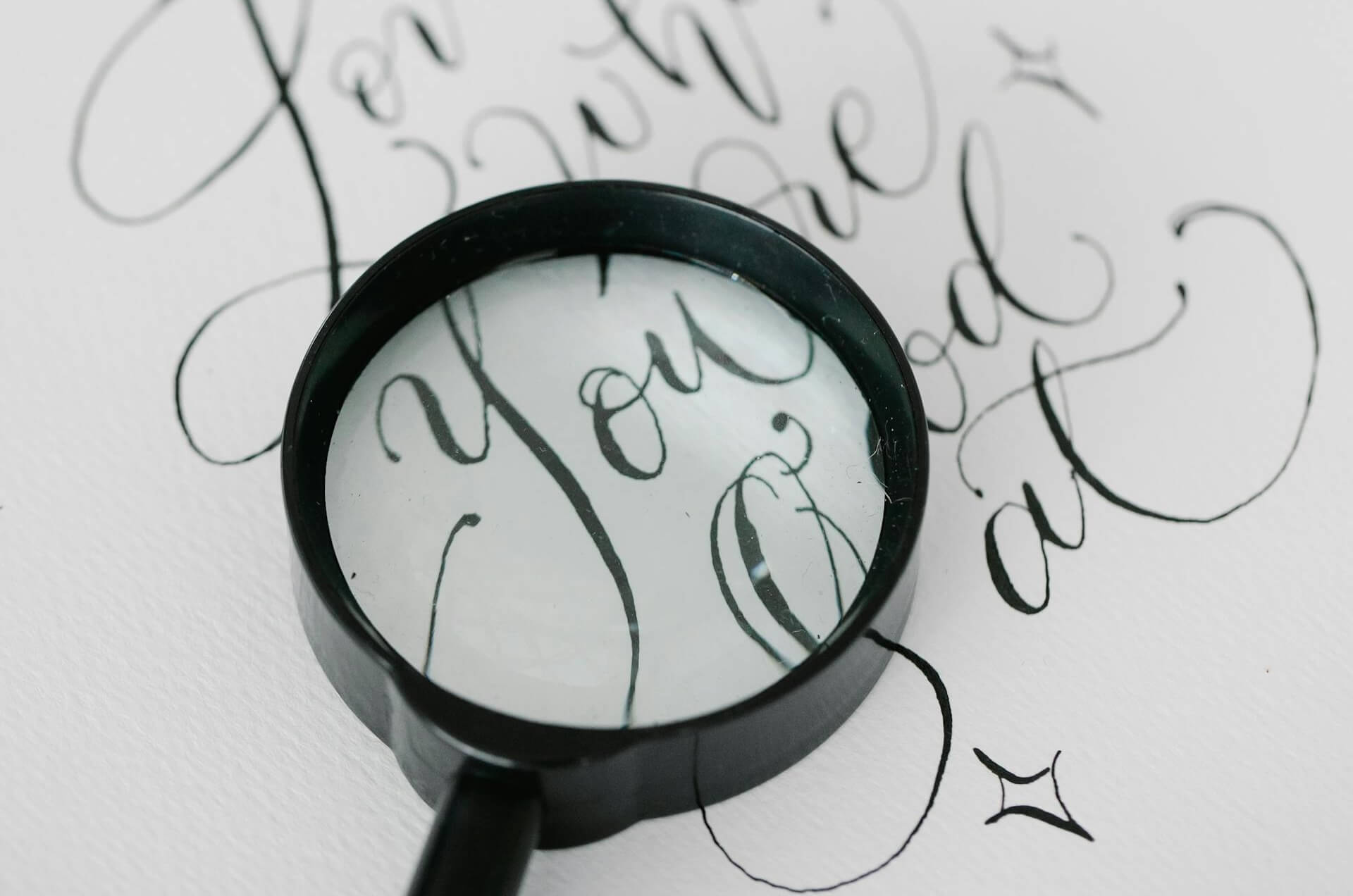
- Glyph analysis: Examine individual characters in detail, comparing the shape of punctuation, the angle of italic characters, and the presence of ligatures
- OpenType feature examination: Identify fonts based on technical capabilities like character sets, stylistic alternates, or language support rather than visual appearance
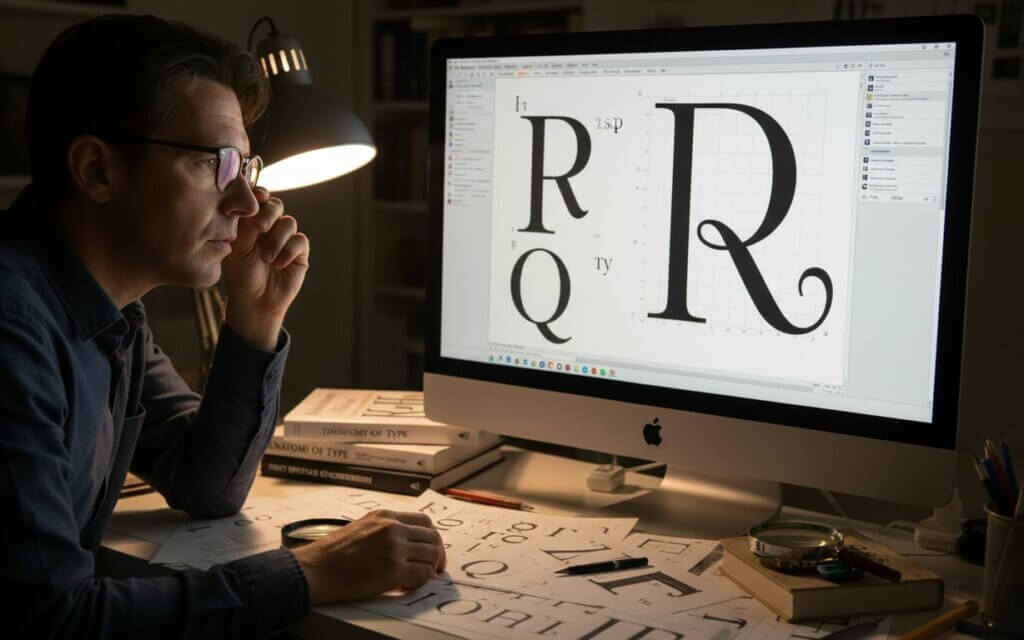
These advanced techniques provide a deeper understanding of typography, enabling you to identify even the most challenging fonts with precision.
Tips for accurate font matching and identificationPrecise identification requires attention to factors that impact analysis accuracy. These practices ensure you get reliable results.
Best practices to determine font from image- Optimize image quality: Use high-resolution images with clear text, capturing or scanning text at 300 DPI or higher when possible
- Isolate text properly: Crop your images to focus on the text, removing logos and decorative elements that can distract algorithms
- Enter characters accurately: When tools request verification of detected text, enter the exact characters shown including capitalization and punctuation
- Explore alternatives: Consider suggested alternatives when exact matches aren’t found, as tools provide lists of similar typefaces
By following these tips, you can enhance the accuracy of your font identification efforts and achieve reliable results.
Frequently Asked Questions About Font FindersModern tools achieve accuracy rates for clear images of common fonts. Accuracy decreases with poor image quality or rare typefaces. Professional tools provide better results than free alternatives.
Many tools can identify script fonts, though accuracy varies. Fonts with letterforms produce better results than irregular scripts.
Most tools accept formats including JPG, PNG, GIF, and PDF. PNG files provide results, while high-resolution JPGs also work.
No special software is required. Browser extensions provide easy identification, while browser developer tools can reveal font information.
Identification becomes challenging with modified fonts. Tools may identify the base font or suggest alternatives, but exact matches are unlikely.
Yes, font licensing is crucial. Identifying a font doesn’t grant usage rights. Always verify licensing terms for commercial use.
Mobile apps offer convenience but may have smaller databases than web-based tools. Many mobile apps are companion versions of web services, providing accuracy.
Try multiple tools. Consider posting in typography forums where experts might provide identification. For community support and help from expert designers when automatic systems struggle, you can visit the whatfontis community forum. Sometimes the font may be custom-made.
Many tools support writing systems including Cyrillic and Greek. However, coverage varies, and Latin alphabet fonts receive support.
Study typography, learn to recognize character features, and familiarize yourself with font classifications. Practice identifying fonts and build knowledge of typefaces.

I'm a programmer at heart. But in my 20s, I realized there was more to the world of fonts than just Courier.
Driven by endless curiosity, I built a system to explore them.
That project grew into one of the world’s leading font identifier platforms: www.WhatFontIs.com.
By 2024, WhatFontIs is helping nearly one million designers—famous or not—discover the names of the fonts they need.