If you’re loading six (or more) font files on a single page — Regular, Italic, Bold, Bold Italic, Light, Medium — there’s a simpler approach. Variable fonts can pack an entire family’s range of styles into one file. The payoff is practical: fewer requests, faster rendering, and much more flexibility for designers and developers.
One File, Many Styles (Not Just “Regular” and “Bold”)
With traditional (static) fonts, each weight/style lives in its own file. If your design needs 400, 500, 700, plus italic versions, the browser has to download each one before text looks right.
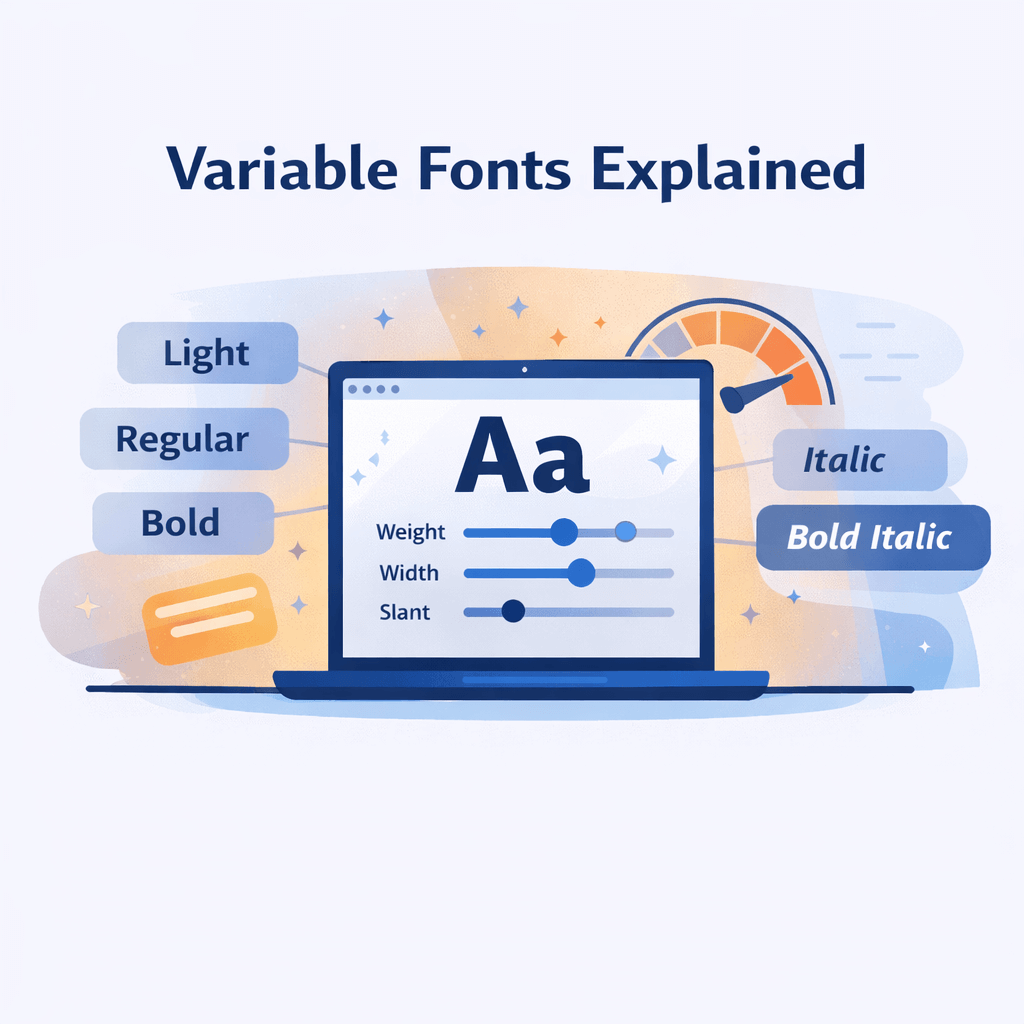
A variable font replaces that pile of files with a single font that includes one or more axes (think: adjustable controls). The most common axis is weight. Instead of jumping from 400 to 700, you can set any value in between — 450, 523, 680 — whatever fits the layout.
Other axes can include width, slant, optical size, and sometimes custom axes made by the type foundry. In practice, this means you can dial in typography precisely, without adding extra downloads.
Why Variable Fonts Matter for Performance
Web performance isn’t a “nice to have” anymore. Core Web Vitals matter, and fonts are a frequent bottleneck: each extra file adds HTTP requests, increases page weight, and raises the chance of text flashing (FOUT) or staying invisible briefly (FOIT).
When you switch from multiple static files to one variable file, you typically cut both file count and total payload. In many real setups, replacing a multi-weight stack with a variable equivalent can reduce combined font weight substantially (often in the 40–70% range, depending on what you loaded before). On mobile connections, that improvement can show up directly in faster text rendering and better LCP.
If you already compress images and trim JavaScript, fonts are usually the next easy win.
How to Find a Variable Alternative for Any Font
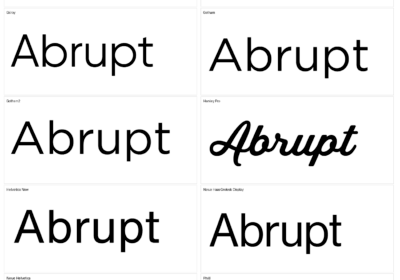
This is where font identification becomes useful. You see a typeface you like on a site, a poster, or a brand guide. You upload a screenshot to WhatFontIs and get the font name quickly.
Next step: check whether a variable version exists. Many popular families — like Inter, Roboto, Source Sans, Montserrat, and Playfair Display — have variable versions (often on Google Fonts). Others are available directly from the foundry.
A simple search for “[font name] variable font” is usually enough to confirm. If a variable version is available, you can consolidate your font stack, speed up loading, and unlock fine-grained control — all starting from one identification step.
Mini FAQ
Q: Do all browsers support variable fonts?
A: Yes — modern Chrome, Firefox, Safari, and Edge support variable fonts (support has been solid since 2018). Only very old browsers like IE11 are a problem, and their traffic share is usually negligible. If you need to be extra safe, keep a static fallback.
Q: Are variable font files bigger than a single static font file?
A: Usually, yes — because the variable file contains data for a range of styles. But it’s almost always smaller than downloading multiple static files combined. If you load several weights/styles, variable fonts typically reduce total font payload.
Call to Action
Start by finding the font. Upload any image to WhatFontIs.com, identify the typeface from over 1,200,000 indexed fonts, then check if a variable version exists. Faster sites usually come from smarter font choices — and variable fonts are one of the simplest upgrades you can make.

I'm a programmer at heart. But in my 20s, I discovered there was a whole world of fonts beyond Courier.
Curiosity got the better of me, so I started building a system to explore and identify them.
What began as a personal project eventually grew into WhatFontIs.com, one of the world's leading font identification platforms.
Today, WhatFontIs helps nearly one million designers—from everyday creatives to some of the biggest names in the industry—find the fonts they're looking for.