In today’s visually-driven world, fonts do more than display text; they’re powerful communication tools. Typography is key to establishing brand identity, evoking specific emotions, and shaping content perception.
For designers, quickly learning how to identify fonts is an invaluable skill that significantly improves their creative process. But with so many fonts available, how do you efficiently determine the perfect typeface for your project?
Table of Contents- How to identify a font in a PDF
- How to identify a font in a mobile app
- How to identify a font from a logo
- Tips for better font identification results
- Frequently Asked Questions
In today’s visually-driven world, fonts are more than just a way to display text; they’re powerful tools for communication. Typography is key to establishing a brand’s identity, evoking specific emotions, and shaping how users perceive content. For designers, the ability to quickly learn how to identify fonts they encounter is an invaluable skill that can significantly improve their creative process.
Knowing the answer to the ”what typeface is this” question allows designers to maintain a consistent visual style across different projects and to effectively replicate design elements they admire. Seasoned designers recognize that font choices directly influence readability, how users engage with content, and overall brand recognition.
Whether the project involves crafting a corporate identity, designing a website, or producing marketing materials, accurate typography identification ensures that design choices support the project’s goals and meet its aesthetic requirements. This includes understanding the key differences when choosing fonts for print versus digital applications.

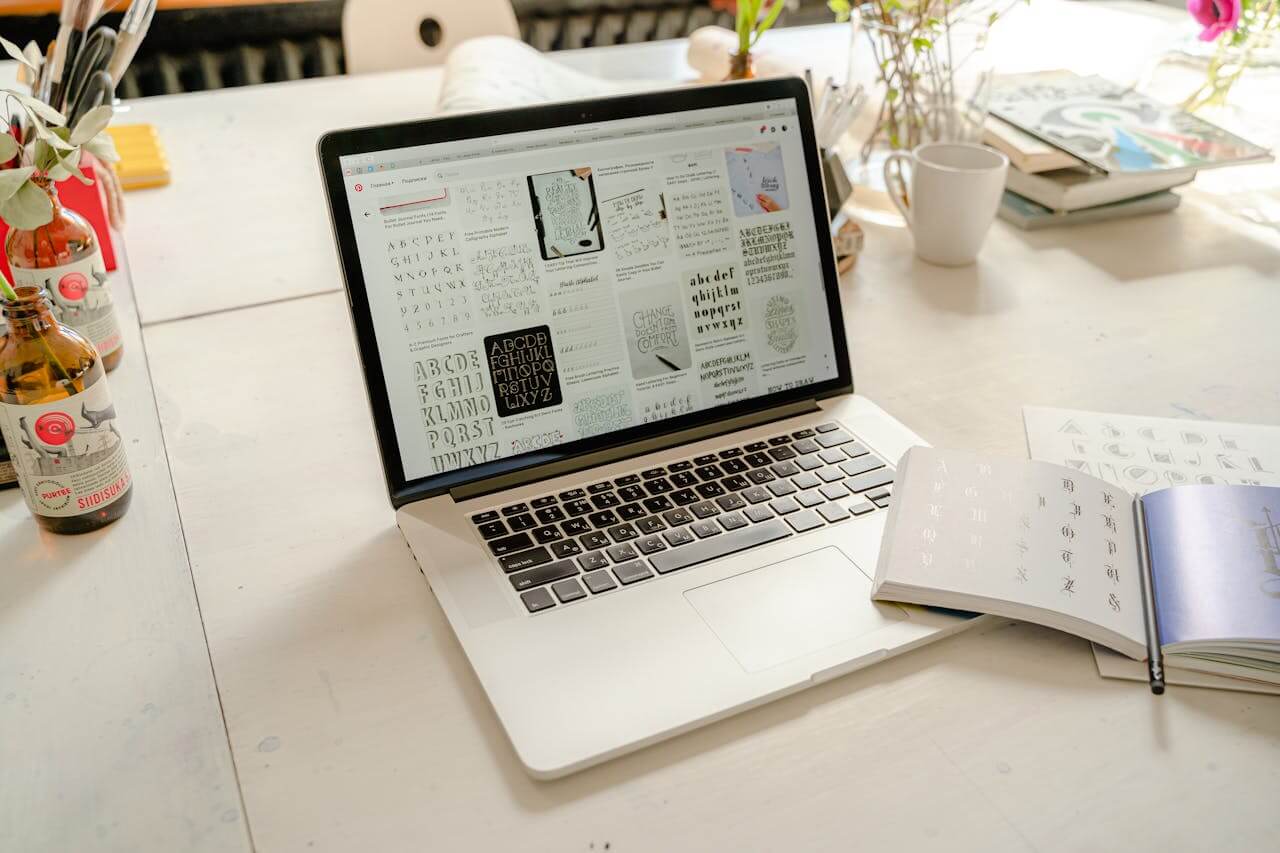
The digital world provides many advanced font finder tools designed to make the identification process easier. These tools use sophisticated algorithms, AI, neural networks and large databases to help users quickly and accurately discover what’s that font. Knowing what each font search engine can do—and what its limits are—helps designers pick the best tool for their specific needs.
1. WhatFontIs – The best font from image identification websiteWhatFontIs.com – the best image to font recognition tool, is a comprehensive option, boasting a database of over 900.000 fonts, including both commercial and free choices. It is the best font identifier from images because it uses artificial intelligence & neural networks to analyze uploaded images and provide accurate matches.
The service has both free and paid options, with the premium version offering extra features for professional use. Its strength lies in its ability to work with different image qualities and font styles, making it especially useful for tricky identification tasks.
2. Identifont – Describe the font you’re looking forIdentifont takes a different approach by using a question-based identification system. Instead of just relying on image analysis, this tool asks users a series of questions about the font’s characteristics. This can be very helpful when high-quality images aren’t available and is particularly effective for identifying classic typefaces and understanding font classification.
3. HostWizly – Website font checkerHostWzily offers a website font checker online tool that allows you to identify fonts used on any website or webpage. Enter the url and the tool will display all the fonts in use.
Browser extension for quick font identificationBrowser extensions are the most convenient way to meet your font detector needs, allowing designers to identify typography right in their browsing environment. These tools remove the need to check code or use external apps, making it quick and easy to discover how to identify font on website.
WhatFont is a popular and simple extension for font identification. Once installed, users can activate the extension and hover over any text to see detailed font information, including the font family, size, weight, and color. This tool is great for identifying both system fonts and web fonts, providing all the typography details designers need to replicate a look or find inspiration.
These browser-based tools are particularly useful for competitive analysis, design research, and gathering inspiration. Designers can quickly analyze typography choices across many websites, gaining a better understanding of current design trends and effective font combinations used in successful digital products.
Manual techniques to determine font typesWhile automated tools offer quick solutions, understanding manual font identification techniques helps you develop a deeper knowledge of typography and is invaluable when digital tools don’t suffice. These traditional methods help designers understand how to figure out a font by carefully observing and systematically analyzing its typographic characteristics.
Character analysis is the basis of manual font identification. Experienced designers learn to spot unique features in certain letters that act as typographic fingerprints. The lowercase ‘a’ shows whether a font uses a single- or double-story design, while the ‘g’ shows similar structural variations. The tail of the ‘Q’, the leg of the ‘R’, and the eye of the ‘e’ all provide additional identifying characteristics that set one typeface apart from another.
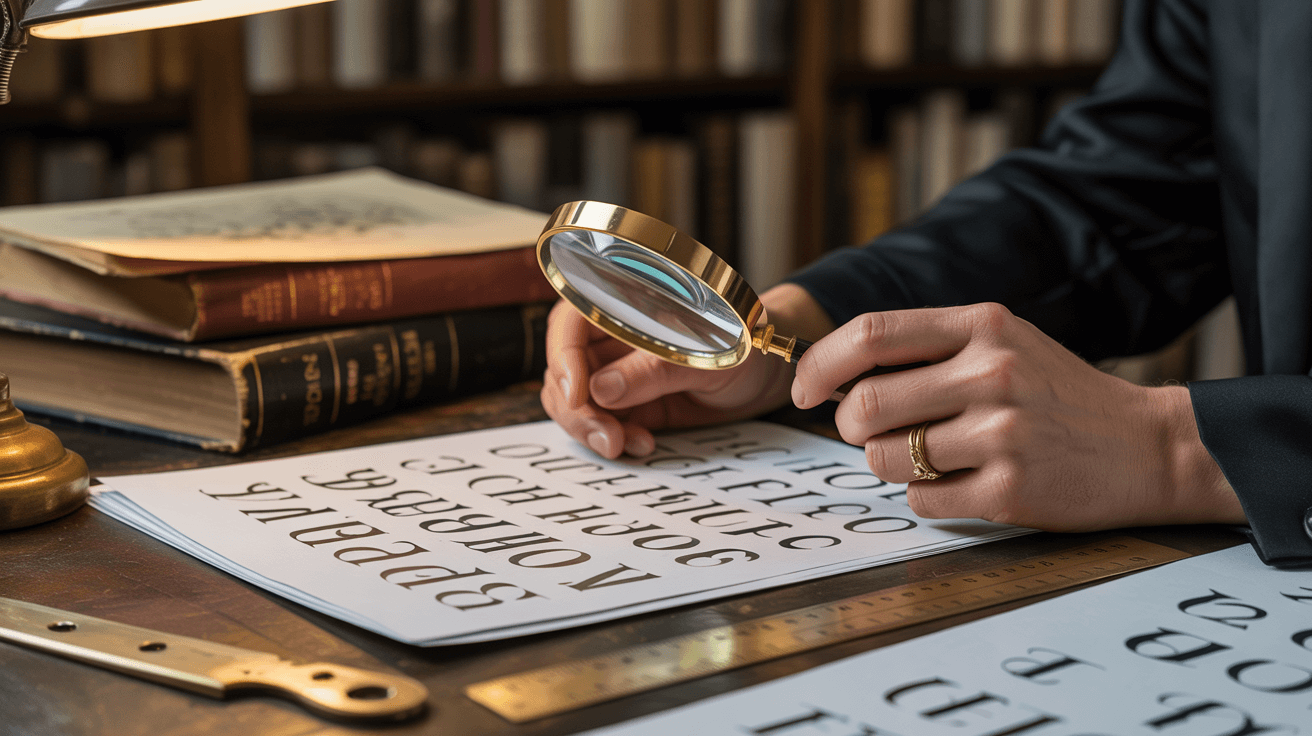
Examining printed materials can often provide valuable information through colophons—detailed notes about the typography and production of books, magazines, and other high-quality printed items. These credits usually appear on the copyright page or at the end of the book, giving the exact font names, designers, and sometimes the reasons behind the typographic choices. This method is particularly useful for identifying fonts used in editorial design and publishing.
For web-based fonts, manually inspecting the CSS code offers a precise way to identify fonts. Using browser developer tools, designers can look at the font-family declarations to see exactly which fonts are specified and in what order. This shows not only the primary font choice but also any fallback options, giving insight into the designer’s overall typographic strategy.
Tips for accurate font identificationGetting reliable results in how to identify a font requires a strategic approach and attention to detail. Whether you’re using automated tools or manual methods, certain techniques can greatly improve accuracy and help designers confidently find what font is used in different situations.
Image quality is essential for successful typography identification. When preparing images for analysis, make sure the text is sharp and clear, without any blur, pixelation, or compression issues. Good lighting and contrast help the identification algorithms distinguish the edges of characters and the subtle details that differentiate similar fonts. If you’re working with printed materials, scanning at a high resolution will produce better results than taking a photo with a mobile device.
Considering the context can improve accuracy by narrowing down the possible matches. Knowing the source material’s time period, purpose, and design style can provide clues about the fonts that were likely used. For example, corporate documents usually use professional typefaces, while vintage materials might feature fonts specific to that era, which can help you focus your search.
How you select characters is also important when using image-based identification tools. Focus on unique letters that show off distinctive design elements, rather than common characters like ‘i’ or ‘l’ that look similar across many fonts. Letters with descenders, ascenders, or unusual proportions provide more information for accurate matching.
Cross-referencing results across multiple font finder tools can increase your confidence in the identification. Different platforms might be better at identifying certain font categories or handling specific image types. Comparing results from several sources helps confirm your findings and discover alternative or similar fonts if an exact match isn’t available.
Understanding font variations and families can prevent confusion during identification. Many typefaces include different weights, widths, and styles that can look quite different but still share the same basic design. Recognizing these relationships helps designers find what font is used, even when they encounter unfamiliar variations of common typefaces.
Font matching and pairing strategiesSuccessful font matching goes beyond just identifying a font; it involves making strategic pairing decisions that improve the overall design. Knowing how to find a specific font that complements existing typography requires an understanding of typographic principles, visual hierarchy, and aesthetic harmony.
Using fonts from the same family is one of the most reliable ways to approach font matching. Using different weights, styles, or sizes from the same typeface family ensures visual consistency while providing enough contrast for hierarchy and emphasis. This strategy works well for designs with a lot of text, where readability and cohesion are more important than visual flair.
Contrast-based pairing involves combining fonts with very different characteristics to create visual interest and a clear hierarchy. Pairing serif and sans-serif fonts, or combining geometric and humanist typefaces, can create dynamic results if done thoughtfully. The key is to make sure the contrasting fonts share similar proportions, weights, or stylistic elements that create harmony despite their differences.
Historical and stylistic matching involves considering the cultural and historical context of the font choices. Pairing fonts from similar time periods or design movements often creates naturally harmonious results because they share underlying design philosophies and aesthetic approaches. This strategy is particularly effective for themed projects or designs that need specific cultural or historical references.
Font matching tools and resources can be very helpful in finding successful combinations. Platforms like Google Fonts offer pairing suggestions, while typography websites showcase curated combinations that have been tested by design professionals. These resources help designers explore options beyond what they already know and discover unexpected pairings that can enhance their typographic skills.
Testing and refining are essential for effective font pairing. What looks good on its own might not work in the context of a complete design, so it’s important to adjust and evaluate iteratively. Good identify typeface skills, combined with knowledge of font pairing, allow designers to create sophisticated typographic systems that support their design goals while maintaining visual appeal and functional effectiveness.
Frequently Asked Questions What is the most accurate font identification tool?WhatFontIs is consistently rated as one of the most accurate tools, thanks to its AI-powered system and a database of over 1.100,000 fonts. However, accuracy can depend on the image quality and the type of font. For the best results, try multiple tools, including WhatTheFont and Font Squirrel’s identifier, as different platforms perform better with different font categories.
Can I identify fonts from low-quality images?While it’s possible, using low-quality images can significantly reduce the accuracy of the identification. For the best results, use images with clear, sharp text that is at least 100 pixels in height. If you only have low-quality images, try improving them with image editing software before uploading them to the identification tools.
Are there free alternatives to premium font identification services?Yes, there are several free options available, including the WhatFont browser extension and the free version of WhatFontIs. While premium services offer better accuracy and additional features, free tools can often provide good results for basic identification needs.
How do I identify fonts that have been heavily modified or stylized?Heavily modified fonts can be difficult for automated tools to identify. Try to identify the base typeface before any modifications were applied. Look for any unmodified characters within the same design, or use manual identification techniques to analyze the character structure and proportions that remain consistent despite the stylistic changes.
Can font identification tools recognize custom or proprietary fonts?Most identification tools focus on fonts that are commercially available and widely distributed. Custom or proprietary fonts might not be in the standard databases. If this is the case, try identifying similar fonts or contact the original designer or company that created the custom typeface.
Sometimes the font you need isn’t in a clean screenshot on a website. It’s inside a PDF, embedded in a mobile app UI, or baked into a logo. Each case needs a slightly different approach.
This guide shows practical, repeatable ways to identify fonts in these three scenarios — plus quick troubleshooting when results are unclear.
How to identify a font in a PDFPDFs can contain fonts in two very different ways:
- Selectable text (real text objects + embedded fonts)
- Flattened text (the PDF is basically images or outlined vectors)
If the text is selectable, the font may be embedded and the name can be extracted.
- Adobe Acrobat Pro: Open PDF → File → Properties → Fonts tab (shows font names used in the document).
- Free alternatives (sometimes): Some PDF viewers show font info in document properties, but Acrobat is usually the most reliable.
Important: PDF font names can be subsetted/obfuscated (e.g., “ABCDEE+FontName”). The real family name is often still visible after the “+”.
Method 2: Screenshot + font-from-image (works for almost any PDF)If fonts aren’t visible in properties (or the PDF is scanned), use image-based identification.
- Zoom in until letters are crisp (ideally the text height is 100px+ on screen).
- Take a screenshot of a short line (8–20 characters). Prefer words with unique shapes: a, g, R, Q, e.
- Crop tightly around the text (remove margins, graphics, backgrounds).
- Upload to a font identifier (image-to-font) and compare the top matches.
Many design PDFs outline text, meaning there’s no “font” left — just shapes.
What you can do:
- Use screenshot + image identification (same as above).
- If you have the source file (Illustrator/InDesign/Figma), check the font there instead of the PDF export.
How to identify a font in a mobile app
Mobile apps typically use:
- System fonts (iOS: San Francisco / SF Pro; Android: Roboto or OEM variants)
- Bundled custom fonts (brand apps often ship their own font files)
- Take a screenshot where the text is large and sharp.
- Crop to just the text area (avoid icons, shadows, gradients).
- Run image-based font identification and review the best matches.
Before going deep, sanity-check likely defaults:
- iOS: SF Pro (San Francisco) is the default system font. Many apps keep it.
- Android: Roboto is common, but Samsung/OnePlus/Xiaomi may use their own system font in some UI layers.
If you control the app (or you’re debugging your own project), find the actual font file:
- Android: Look in the project for
/res/font/orassets/fonts/. Many apps reference fonts in XML styles. - iOS: Check the Xcode project bundle for
.ttf/.otfand theInfo.plistkeyUIAppFonts. - React Native / Flutter: Search for
fontFamilyusage or font asset declarations.
Once you have the .ttf/.otf file name, you can confirm the exact family and weights by opening the font file in any font viewer.
How to identify a font from a logo
Logo typography is often the hardest because it may be:
- Heavily customized (modified letters)
- Outlined and tweaked (kerning, strokes, ligatures)
- Partially redrawn (not a standard font anymore)
- Use a high-resolution version (SVG/PDF is ideal; otherwise PNG 1000px+ wide if possible).
- Prefer a version with high contrast: dark text on light background.
- If the logo is on a busy background, isolate the text first.
Even when a logo is customized, it usually starts from a commercial font. Your goal is to identify the closest base match.
- Crop to the wordmark only (remove tagline, icon mark, effects).
- If letters are spaced unusually, focus on 4–8 letters that show distinctive shapes.
- Run image-based identification and compare letter-by-letter:
- Look at R leg, G spur, a structure, terminals, and stroke contrast.
- Ignore small differences that could be manual edits (like slightly altered curves).
That often means the font was modified. In that case:
- Pick the closest match and search for alternates or a related family (same foundry/designer).
- Try identifying a different word or a different logo lockup (sometimes tagline text is unmodified).
- Use multiple font finders — each database ranks matches differently.
Tips for better font identification results
- Use larger text: If letters are tiny, tools guess. Zoom and capture bigger.
- Crop aggressively: Only the letters should remain — no margins, no icons.
- Avoid distortion: Perspective/angles reduce accuracy. Prefer straight-on text.
- Choose “useful” characters: Words with a, g, e, R, Q, S help more than “IIII”.
- Watch for stylization: Outlines, shadows, texture, and gradients confuse detectors. Remove them if possible.
Frequently Asked Questions Can I always find the exact font used in a PDF?
No. If the PDF has embedded fonts and real selectable text, you can often extract the font names. But if the text is outlined or the PDF is scanned, you’ll need image-based identification and you may only get close matches.
Why does a PDF show a weird font name like “ABCDEE+Something”?That’s a subset font name. The “ABCDEE+” part is an internal tag. The actual font name is usually after the “+”, but sometimes it’s still not the full commercial name.
Are mobile apps usually using custom fonts?Many apps use system fonts for performance and consistency. Brand-heavy apps (banks, large consumer brands) often bundle a custom font family. If you can inspect the app assets, you can confirm definitively.
What if the logo is hand-drawn and not a font?Then no tool will find an exact match. Your best option is to identify a similar typeface (same vibe and structure), or rebuild the logo typography manually.
What image quality do I need for good results?A sharp crop where the letter height is roughly 100px+ (on the image you upload) is usually enough. If the text is blurry or compressed, results degrade quickly.

I'm a programmer at heart. But in my 20s, I realized there was more to the world of fonts than just Courier.
Driven by endless curiosity, I built a system to explore them.
That project grew into one of the world’s leading font identifier platforms: www.WhatFontIs.com.
By 2024, WhatFontIs is helping nearly one million designers—famous or not—discover the names of the fonts they need.